

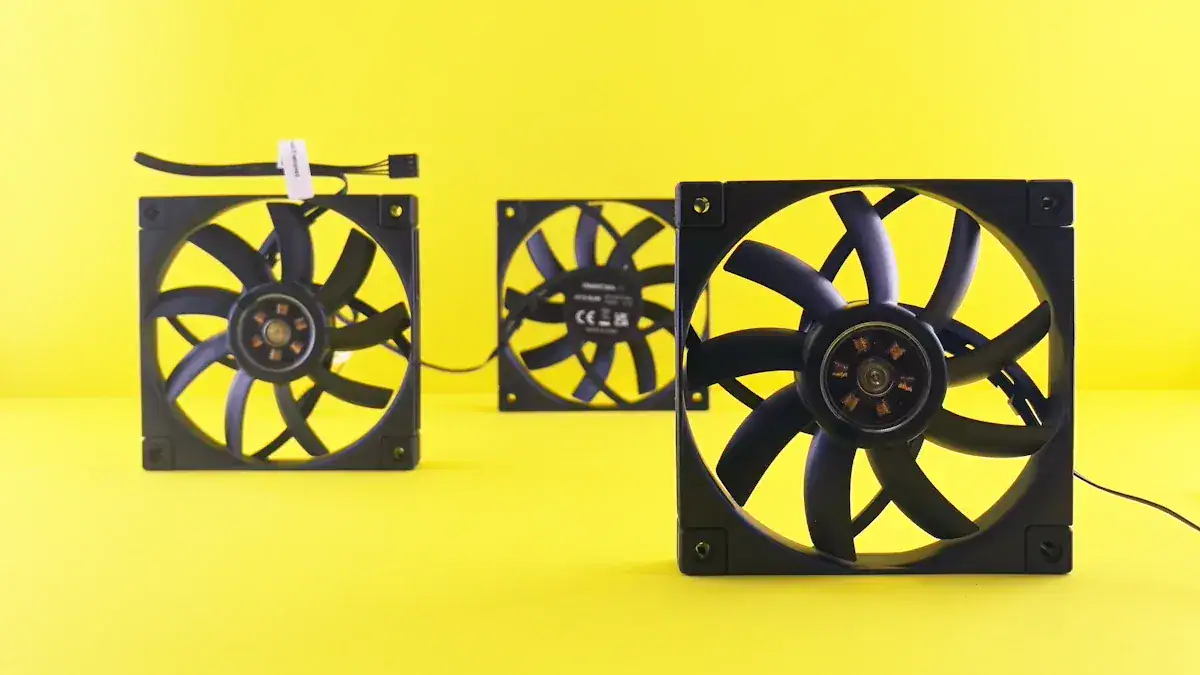
A squeaky ceiling fan can quickly become a major annoyance in your home. You can often fix these common issues with simple steps. This guide will help you identify the source of the ceiling fan noise and perform the necessary repair. Many factors cause sounds, including dirty blades, warped or unbalanced blades, and loose screws on blades or mounting brackets. Always prioritize your safety. Ensure you turn off the power before you attempt to fix squeaky ceiling fan problems.
Key Takeaways
Always turn off the power to your ceiling fan before you start any repairs.
Listen to the type of noise your fan makes to help you find the problem.
Tighten all loose screws on the fan blades and mounting bracket to stop wobbling.
Lubricate the fan motor with the correct oil if it needs it to reduce grinding sounds.
Clean your fan often and check it regularly to prevent future noise problems.
Power Down For Safety
Before you begin any work on your ceiling fan, you must prioritize safety. Electricity can cause serious injury. You will work with electrical components. First, place a drop cloth directly under the fan. This catches any dust or small parts that might fall. Next, get a sturdy stepstool or a stepladder. You need safe, stable access to the fan. Do not stand on a wobbly chair. Your safety is most important.
Locate The Breaker Box
You need to cut power to the fan. Find your home’s main electrical breaker box. This box usually sits in a garage, basement, or utility closet. Open the breaker box door. You will see many switches. Each switch controls a different part of your home’s electrical system. Look for a label that says “ceiling fan,” “lights,” or the specific room name. If labels are unclear, you can flip breakers one by one. Turn off the main breaker for the room where your fan is located.
Confirm Power Is Off
After you flip the breaker, you must confirm the power is truly off. Go back to the ceiling fan. Try to turn on the fan using its wall switch or pull chain. Also, try to turn on any lights attached to the fan. If the fan does not spin and the lights do not turn on, you have successfully cut the power. If the fan or lights still work, return to the breaker box. You need to find the correct breaker. Repeat the process until the fan has no power. You are now ready to proceed with repairs. 💡
Diagnose Common Fan Noises
You hear a specific sound from your ceiling fan. This sound often tells you what the problem is. Different noises point to different issues. Understanding these sounds helps you in troubleshooting a persistent squeak and fixing your noisy ceiling fan. An unbalanced fan can also cause ceiling fan noise. You can adjust the fan speed. This helps you see if the fan moves unevenly. This helps identify the problem.
Clicking Or Ticking Sounds
You might hear clicking or ticking. Several things can cause this noise.
Loose fan blades: The screws holding the blades to the motor housing can loosen. This makes the blades wobble and click.
Misaligned light fixtures: If your fan has lights, loose or crooked light fixtures can rattle. Their covers can also make noise when the fan runs.
Worn-out bearings: The motor has bearings. These can wear down over time. This is common in older fans. Worn bearings often create a ticking sound.
Dust & debris build-up: Dust or dirt on the blades or motor housing can unbalance the fan. This leads to a clicking sound.
Electrical issues: Sometimes, bad wiring or a faulty capacitor can cause unusual clicking.
Loose mounting bracket: The bracket holds the fan to the ceiling. If it is not tight, the fan can shift. This creates a clicking sound.
Fan speed settings: Some speed settings, especially on older fans, can increase vibrations. This makes ticking more noticeable.
Scraping Or Rubbing Sounds
You might hear a scraping or rubbing sound. This noise often means parts are touching that should not be. A loose canopy is a common cause. The canopy is the cover where the fan meets the ceiling. If it is not tight, it can move. It then scrapes against the ceiling. This makes noise. Also, fan blade mounts can be too close to the motor housing. This causes scraping. You can fix this. Loosen the screws on the mounts. Move the blades slightly. Then tighten the screws again.
Rattling Or Vibrating Sounds
A rattling or vibrating sound is also common. Many things can cause this noise.
Loose screws or bolts: These parts can cause a constant clinking or tapping sound.
Debris: Small pieces of debris inside the fan can rattle around.
Imbalanced or warped blades: Blades that are not balanced or are bent are a common cause. They create rattling and clicking noises.
Faulty components: Parts like blade holders can also click.
Loose light fixture: If your fan has a light, a loose light fixture can be a source of clicking noises.
Grinding Or Whirring Sounds
You might hear grinding or whirring. Vibration inside the fan can make parts rub together. This creates a grinding sound. This problem usually gets worse over time. The rubbing wears down the parts. Some fan motors have sealed bearings. These do not need oil. Other motors have an ‘oil hole’. This means they need lubrication. Add 4-6 drops of light machine oil, like ‘3-in-One’ oil, to this hole. This can lubricate the motor. It might fix grinding sounds.
Buzzing Or Humming Sounds
A buzzing or humming sound often points to electrical issues.
Variable fan speed controls: These controls use electronics. They can create a hum when they regulate speed.
Defective fan control receiver: If your fan has a remote control system, a bad receiver can cause humming.
Light dimmer switches: These switches are known to make an electrical hum.
House wiring: If you hear buzzing from an outlet or wiring, there might be a problem with your home’s electrical setup.
Circuit breaker: An overloaded circuit breaker can hum. It might fail to trip when it should.
Defective fan motor: The motor itself can be faulty. This can be a source of buzzing.
Fix Your Squeaking Ceiling Fan With Mechanical Checks
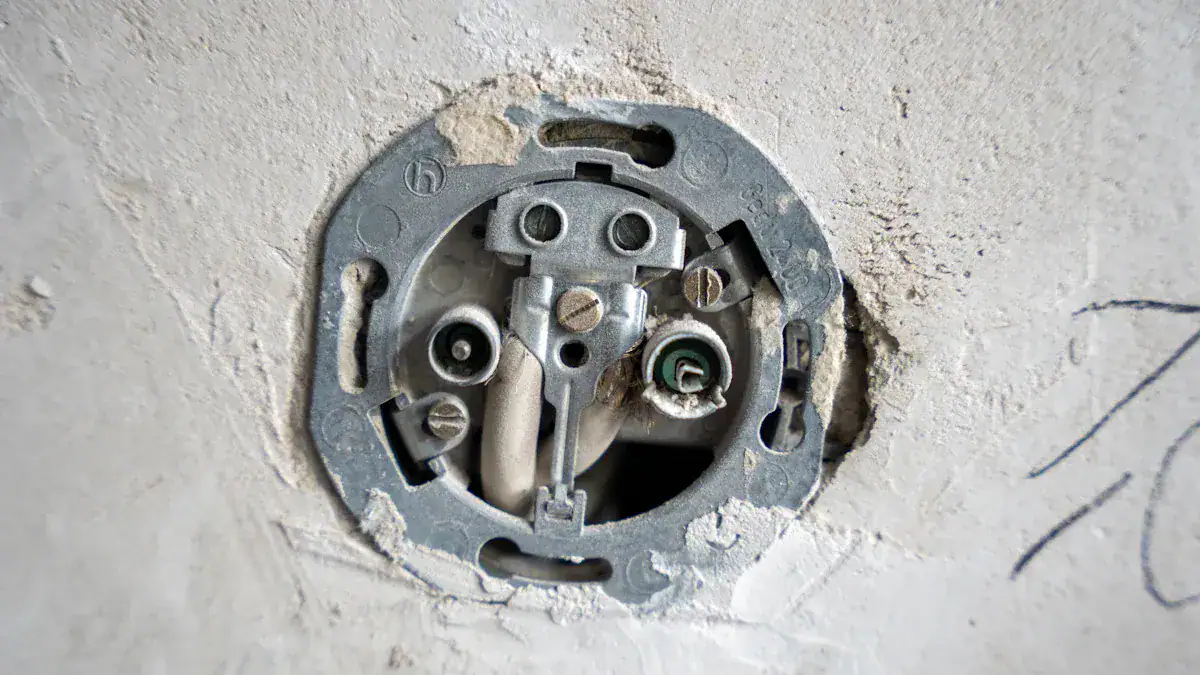
You can often fix squeaky ceiling fan problems by checking and tightening mechanical parts. Many times, a persistent noise comes from something loose. You must check all visible screws. This includes screws on the fan’s decorative cap. A thorough check can reveal the source of your ceiling fan noise.
Tighten Blade Screws
Loose fan blade screws are a very common cause of noise. Each fan blade attaches to a blade arm. The blade arm then attaches to the motor housing. You will find screws at both connection points. Use a screwdriver to tighten all these screws. Do not overtighten them. This can strip the screw threads. A stripped screw will not hold the blade securely. Check each blade carefully. A loose fan blade can cause significant vibration and noise.
Secure Mounting Bracket
Your ceiling fan hangs from a mounting bracket. This bracket attaches directly to the ceiling electrical box. If this bracket is loose, the entire fan can wobble. This creates a squeaking or rattling noise. Use a sturdy ladder to reach the fan. Look at where the fan canopy meets the ceiling. You might see screws holding the canopy in place. Remove the canopy to expose the mounting bracket. Use a screwdriver or wrench to tighten any screws or bolts holding the bracket to the ceiling box. Make sure the bracket is firm and does not move.
Inspect Blade Arms
The blade arms connect the fan blades to the motor. These arms can sometimes bend or become damaged. A bent blade arm will cause the blade to sit at an incorrect angle. This leads to imbalance and noise. Carefully inspect each blade arm. Look for any signs of bending, cracks, or damage. If you find a damaged blade arm, you should replace it. You can usually find replacement parts from the fan manufacturer or a hardware store.
Check For Warped Blades
Fan blades can warp over time. This often happens due to changes in temperature or humidity. A warped blade will not move through the air evenly. This creates an imbalance. This imbalance causes vibration and a squeaking ceiling fan. To check for warped blades, turn off the fan. Look at each blade from the side. See if any blade appears bent or twisted. You can also remove all blades. Lay them flat on a level surface. Compare them to each other. If a blade is warped, you should replace it.
Balance Fan Blades
An unbalanced fan is a major source of noise. You can balance your fan blades to stop the wobble.
Turn Off and Clean: Always turn off the fan at the switch. Wait for it to stop completely. Use a damp cloth to clean each blade thoroughly. Dust and dirt can add weight and cause imbalance.
Inspect and Tighten Screws: Examine each blade and its attachment to the motor housing. Use a screwdriver to tighten any loose screws on the blade brackets. Do not overtighten.
Check Blade Pitch: The blade pitch is the angle of the blade. If the pitch is incorrect, it can cause wobble. You can also try swapping any two blades. This sometimes helps redistribute weight.
Measure Blade Alignment: Place numbered masking tape on each blade. Use a ruler. Measure the distance between each blade’s leading edge and the ceiling. Gently bend the blade’s bracket up or down if an edge is out of alignment. Run the fan to check for persistent wobble.
Use a Blade-Balancing Kit: If wobble persists, buy a balancing kit.
Pick any blade. Install the provided clip on the high side, near the center of the blade.
Turn the fan on. Check the balance.
Repeat this for all blades. Note which position reduces wobble the most.
Move the clip halfway towards the motor or halfway to the tip on that blade. Recheck the fan.
Add Weights: When you find the best clip position, temporarily secure one of the kit’s self-adhesive weights. Place it on the top of the blade’s centerline. Align it with where the clip was most effective. Remove the clip. Check the fan. If successful, mark the blade. Remove the tape. Permanently stick the weight. Repeat for other blades as needed.
Inspect for Damage: Disassemble all blades. Lay them on top of one another. Ensure they are identical. Do the same with brackets. Check for bends or deformities. Replace any damaged or warped blades. This will help fix squeaky ceiling fan issues.
Silence Your Noisy Ceiling Fan Through Lubrication
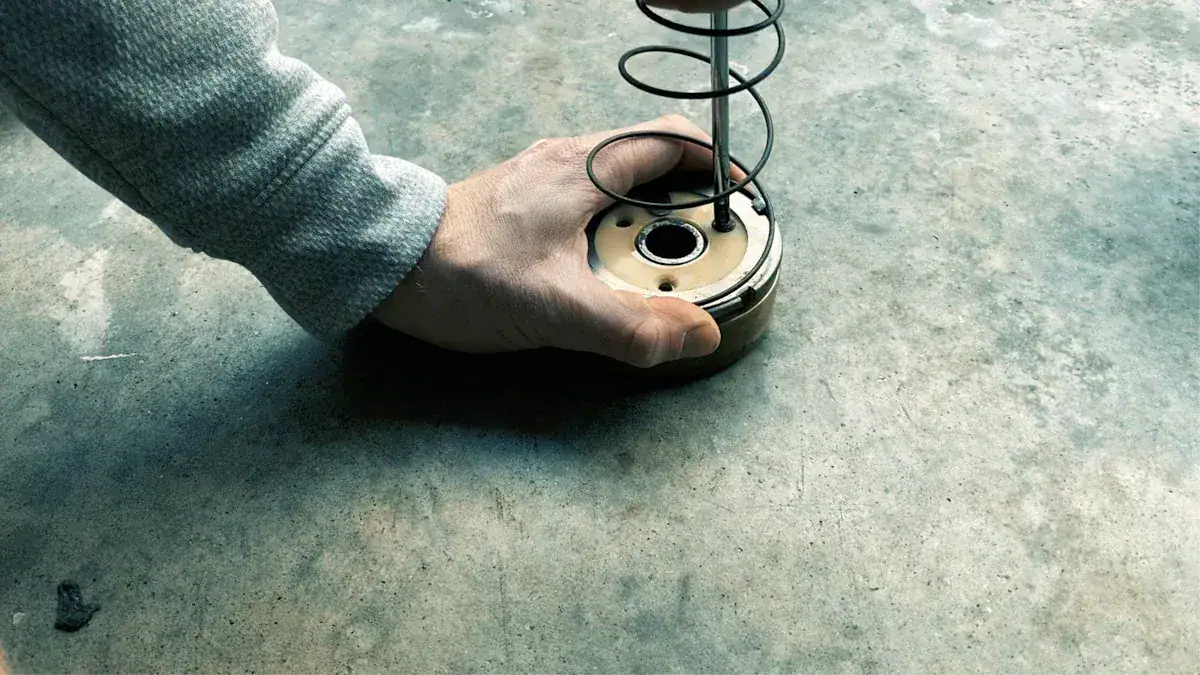
Lubricating your ceiling fan can often fix loud noises. This includes squeaking, grinding, and scraping. These sounds often come from dry or worn bearings. Proper lubrication reduces friction. This makes your fan run smoothly and quietly.
Identify Lubrication Points
You need to find the right spots to lubricate. Many electric ceiling fans have oil-immersed ball bearings. These bearings sit in a race and need oil. Some models have a felt pad under the bottom bearing race. You might need to replace and lubricate this felt. Other fans have spiral oil grooves cut into the shaft. You must clean these grooves carefully. Early fan models sometimes use a single ball bearing. These usually come packed with grease. Look for an oil hole on the motor housing. This is where you add oil.
Apply Correct Lubricant
Choose the right lubricant for your fan. For ceiling fan bearings, Gear Hugger Multi-Purpose Lubricant is a good choice. It is non-toxic and eco-friendly. This lubricant works better than many petroleum-based sprays. It is plant-powered and free from petroleum, fossil fuels, and VOCs. It offers three times more lubricating power than traditional oils. It also protects against rust, squeaks, and wear for a long time. Use a non-toxic, non-aerosol spray to avoid harsh chemicals. For rubbing parts, you can try WD-40. If the noise continues, you might need a heavier oil or a deeper cleaning.
Address Sealed Units
Some ceiling fan motors are sealed. These motors do not need lubrication. An example is a “Totally Enclosed” motor. These are good for places like barns. They often have certifications like UL507 compliant. A sealed ceiling fan motor has sealed and pre-lubricated ball bearings. These motors need little to no maintenance. They are different from motors with bearings in an oil bath. Those motors need occasional service. If your fan has a sealed motor, lubrication will not fix the noise. You should look for other causes.
Prevent Future Noise
You can keep your ceiling fan quiet. Regular maintenance prevents future problems. A little effort now saves you from a noisy ceiling fan later.
Regular Cleaning
Dust and dirt cause many fan issues. You should clean your ceiling fan often. Clean ceiling fans about once a month. This limits dust buildup. If you see dust or dirt, clean your fans more frequently. For fans you use all year, dust them every one to two weeks. For seasonal fans, dust them at the start and end of the season. Also, dust them once or twice during use. Regular cleaning the blades prevents imbalance. This reduces unwanted noise.
Routine Inspections
Regular inspections help you catch problems early. You should check several key components. Look for wobbles. Wobbling can mean loose blade screws or misaligned blades. A fan balancing kit can help fix this. Listen for unusual noises. Squeaking might need lubrication. Rattling suggests loose parts. Grinding indicates motor issues. Ensure the hanger ball is snug. This ball sits under the canopy. Adjust its position or tighten screws if it moves.
You should also inspect the fan blades for damage. Vacuum or dust them. Use a cleaning product for stubborn grime. Wipe the fan cover clean with a soft cloth. Use a degreaser for kitchen fans. Tighten any loose screws. Clean the motor housing and vents with a soft-bristled brush. Wipe pull chains with a wet cloth. Lubricate the motor if your fan type requires it. Check the lubricant level and add fan oil. Inspect the mounting for looseness. Vibrations can cause this. This can lead to significant ceiling fan noise. Regularly check and tighten all screws and bolts. Constant fan rotation can loosen them. Inspect the mounting bracket. This secures the fan to the ceiling. Ensure all screws are tight. The bracket must be firmly attached to the electrical box. Check downrod connections if your fan has one. Pay attention to canopy screws. These cover the mounting bracket and wiring. Check screws attaching each blade to the motor housing. Loose blade screws often cause wobbling. Ensure all light fixture components are secure. After turning off power, remove the canopy cover. Inspect wiring for wear, damage, or fraying. Check that wire nuts are tight. No wires should be exposed. For light kits, ensure bulbs are tight. Use the correct wattage.
You now have the tools to fix squeaky ceiling fan problems. You learned to check mechanical parts and lubricate. Regular maintenance prevents future ceiling fan noise. Take a systematic approach. You will enjoy a quiet fan. If troubleshooting a persistent squeak fails, or your fan is over 10-15 years old, consider professional help or replacement. This helps you fix squeaky ceiling fan issues.
FAQ
🤔 Why does my ceiling fan still squeak after I clean it?
Cleaning removes dust. Squeaking often comes from loose parts or dry bearings. Check all screws. Lubricate the motor if your fan needs it. This often stops the noise.
💧 Can I use any oil to lubricate my ceiling fan?
No, use specific fan oil or lithium grease for bearings. WD-40 works for rubbing parts. It is a degreaser. It might not provide lasting lubrication for bearings.
🗓️ How often should I clean my ceiling fan to prevent noise?
Clean your ceiling fan blades monthly. This prevents dust buildup. Dust causes imbalance. Imbalance leads to noise. Regular cleaning keeps your fan quiet.
🛠️ When should I consider replacing my ceiling fan?
Consider replacement if your fan is very old (over 10-15 years). Also, replace it if repairs do not stop the noise. A professional can also advise you.