
Appliance malfunctions are incredibly frustrating. If your Amana washer stops mid-cycle or displays an error code, knowing how to reset an Amana washer is often the crucial first step to resolving these common issues. This guide provides clear, step-by-step instructions for various methods to reset an Amana washer. You’ll learn specific steps tailored for your Amana front-load washing machine. We also cover what to do if a simple reset an Amana washer procedure doesn’t solve the problem. Our goal is to help you quickly get your Amana washer working correctly again.
Key Takeaways
You can fix many Amana washer problems with a simple reset.
Unplugging the washer for five minutes often clears electronic issues.
Some washers need a special lid switch reset; open and close the lid six times quickly.
Your user manual has specific reset steps and helps you understand error codes.
Keep your washer clean and do not overload it to prevent future problems.
Why Reset Your Amana Washer

Common Issues a Reset Resolves
Your Amana washer relies on electronic controls. These controls can sometimes experience minor glitches. A reset acts like a quick reboot for the system. This can clear unresponsive control panels. If your buttons are not working, a reset might restore their function. It also helps resolve many error messages that appear on the display. For example, if your washer stops unexpectedly or refuses to start, a reset can often clear the underlying electronic confusion. Performing a reset on your amana washer is a simple yet powerful first troubleshooting step.
Understanding Amana Error Codes
Your Amana washer uses specific error codes to tell you when something is wrong. These codes appear on the digital display. They help you understand the problem. Sometimes, these codes indicate a temporary fault that a simple reset can clear. Other times, they point to a more serious issue needing further attention. Knowing what these codes mean helps you decide your next step. Here are some common Amana error codes you might encounter:
LOC or LC: This means the control lock function is active.
dET: This signifies a missing detergent cartridge or an improperly closed dispenser drawer.
Int: This appears when the cycle is paused or canceled. It also shows during the drain mode. You need to take action if it persists after draining.
F5 E2: This means the washer door failed to lock. This is a common door lock issue. A reset might clear a temporary sensor problem.
Sud or Sd: This indicates excessive suds. You might be using non-high-efficiency detergent.
F7 E1: This means the motor cannot spin the washer drum fast enough.
F8 E1 or LO FL: This shows when the water flow is too low.
F9 E1: This appears if the washer takes longer than eight minutes to drain.
A reset can often clear these codes. It allows the washer to restart its system. This can fix temporary sensor errors or communication problems. Understanding these codes empowers you to troubleshoot effectively.
Amana Washer Reset Methods
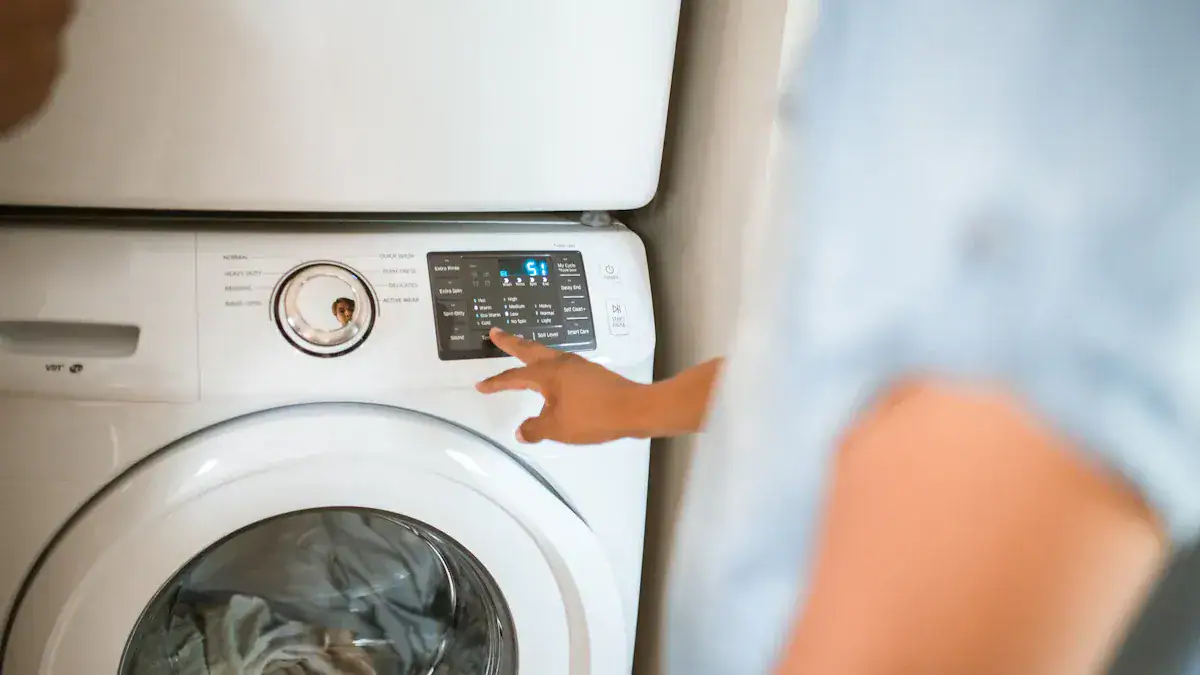
You can resolve many common issues with your Amana washer by performing a reset. Different methods exist, depending on the type of problem and your specific model. You will find detailed, step-by-step instructions for each reset method here.
Power Cycle Reset for Your Amana Washer
A power cycle reset is often the simplest and most effective first step. It clears minor electronic glitches. This method works for most Amana washer models, but hard-wired units cannot use the unplugging method.
Here are the steps to perform a power cycle reset:
Power Off: Turn off your Amana washer. You can use its power button. Alternatively, unplug the machine from the wall outlet.
Wait a Few Minutes: Leave the machine unplugged for at least five minutes. This allows any residual power to dissipate from the electronic components.
Check the User Manual: Consult your specific model’s user manual. It might have unique troubleshooting or reset instructions.
Inspect and Clear: Look for any blockages. Check for unbalanced loads or foreign objects in or around the drum. Remove them if you find any.
Plug In and Power On: Reconnect your Amana washer to the power source. Then, turn it on.
Cycle Selection: Choose a desired washing cycle. Set any necessary options.
Start the Cycle: Close the door securely. Press the ‘Start’ button.
Monitor Operation: Observe the machine. Look for error codes or signs that the cycle has begun.
This simple reset amana washer technique often resolves many temporary issues.
Lid Switch Reset Technique
Some Amana top-load washers use a lid switch mechanism. This switch tells the machine if the lid is open or closed. If this switch malfunctions, your washer may not start or complete a cycle. A specific lid switch reset can sometimes fix this.
To perform a lid switch reset:
Ensure your washer is plugged in and has power.
Open the washer lid.
Quickly open and close the lid six times within 12 seconds. You need to do this rapidly.
After the sixth close, leave the lid closed.
Try to start a wash cycle.
This action can sometimes recalibrate the lid switch sensor. It allows the machine to recognize the lid’s position correctly.
Diagnostic and Factory Reset Options
Your Amana washer may have a diagnostic mode or a factory reset option. These options can clear more persistent errors or return the machine to its default settings.
Here are the steps for an Amana washer diagnostic reset:
Ensure all LED lights on your control panel are off.
Turn the timer control knob one click at a time. Follow this sequence: Right, Left, Right, Right, Right, Left, Right.
Observe all LEDs flash. This indicates you have entered the diagnostic mode.
Turn the timer control knob until only the rinse light is illuminated.
Press the start button.
Allow the machine to complete a 3 to 5 minute calibration mode. This will reset the system.
Another effective reset option is to simply unplug the washer. If a problem persists after a quick power cycle, unplugging your Amana washer for 5 minutes can also reset the machine’s internal computer. This longer duration ensures a complete power drain.
Specific Resets for Amana Front-Load Washing Machine Models
Amana front-load washing machine models often feature digital displays and touch controls. These models may have different reset sequences compared to top-loaders. You might need to use a specific button combination or knob sequence.
For many Amana front-load washing machine models, a common reset option involves a sequence of button presses. For example, you might need to press and hold the “Start/Pause” button for a few seconds. Some models require you to turn the cycle selector knob to a specific position, like “Off,” then back to a cycle, and then press a button. Always refer to your specific model’s user manual for the exact steps. The manual provides precise instructions for any knob/LED resets or specific button sequences. These instructions ensure you perform the correct reset for your particular appliance.
Troubleshooting After a Reset
Sometimes, a simple reset does not solve your Amana washer’s problem. You need to check other common issues. These steps help you find the root cause. They ensure your washer works correctly.
Checking Common Problems
After you reset your Amana washer, check for basic mechanical issues. These problems often prevent your machine from working.
Water Supply: Make sure the water faucets are fully open. Check that the water inlet hoses are not kinked or blocked. Your washer needs a steady water flow.
Drain Hose: Inspect the drain hose. It should be clear of obstructions. Ensure the hose is not pushed too far into the drainpipe. This can create a siphon effect.
Overloading: Do not overload your washer. Too many clothes can unbalance the drum. This stops the wash cycle. Remove some items if the load is too heavy.
Leveling: Your washer must sit on a level surface. An unbalanced machine can vibrate excessively. It might also stop mid-cycle. Adjust the leveling feet if needed.
Consulting Your User Manual
Your Amana washer’s user manual is a valuable resource. It contains specific information for your model.
If your washer still shows an error code, look it up in the manual. The manual explains what each code means. It also provides specific troubleshooting steps for those errors. You will find diagrams and instructions unique to your appliance.
The manual helps you understand complex issues. It guides you through advanced troubleshooting.
When to Contact Support
You have tried all the reset methods. You have checked common problems. You have consulted your user manual. If your Amana washer still does not work, you should contact support.
Persistent Errors: The same error code keeps appearing.
Unusual Noises: You hear loud grinding or banging sounds.
Leaks: Water leaks from your machine.
No Power: The washer does not turn on at all.
These issues often require professional repair. Do not attempt complex repairs yourself. A qualified technician can diagnose and fix the problem safely.
Preventing Future Resets
You can take steps to keep your Amana washer running smoothly. These actions help you avoid frequent resets. Proper care extends your appliance’s life.
Proper Loading Practices
How you load your washer matters. Incorrect loading can stress the machine. This leads to errors and potential resets.
Do not overload the drum. Too many clothes prevent proper agitation. It also strains the motor.
Balance your loads. Mix large and small items. This helps distribute weight evenly. An unbalanced load causes excessive vibration.
Avoid underloading. Very small loads can also create imbalance. They can cause the washer to struggle.
Check pockets. Remove coins, keys, and other small items. These can damage the drum or pump.
💡 Tip: Follow your washer’s capacity guidelines. You can find these in your user manual.
Regular Cleaning and Maintenance
Keeping your washer clean prevents many common issues. Dirt and residue build up over time. This affects performance.
Clean the detergent dispenser. Residue can block the dispenser. Wipe it down regularly.
Wipe down the drum. Use a damp cloth to clean the inside. This removes soap scum and mildew.
Check the drain pump filter. Some models have a filter you can clean. Refer to your manual for its location and cleaning instructions.
Run a cleaning cycle. Use a washer cleaner or white vinegar. This helps remove odors and buildup. Do this once a month.
Ensuring Stable Power Supply
Your washer needs consistent power. Fluctuations can confuse its electronic controls. This often leads to error codes and the need for a reset.
Plug your washer directly into a wall outlet. Avoid using extension cords or power strips. These can cause power drops.
Ensure the outlet works correctly. A dedicated circuit for your washer is ideal. This prevents other appliances from drawing too much power.
Check for loose connections. Make sure the power cord is secure. A loose plug can cause intermittent power.
Protect against surges. Consider a surge protector if you live in an area with frequent power fluctuations. This safeguards your washer’s electronics.
You now understand how to reset an Amana washer. This simple action often fixes many common problems. You learned about power cycling, the lid switch technique, and diagnostic resets. For your Amana front-load washing machine, specific button sequences apply. Always follow these steps carefully. Do not hesitate to seek professional help if issues persist. You can maintain your appliance’s longevity and efficiency with proper care.
FAQ
What if my Amana washer won’t turn on after a reset?
If your Amana washer does not turn on, check the power cord. Make sure it is firmly plugged into the wall outlet. Also, check your home’s circuit breaker. A tripped breaker can cut power to the washer. Reset the breaker if it is off.
What does the “F5 E2” error code mean on my Amana washer?
The “F5 E2” error code means your washer door did not lock. This often happens if the door is not fully closed. Close the door firmly. You might also have a problem with the door lock mechanism itself.
What is the best way to prevent my Amana washer from needing frequent resets?
You can prevent frequent resets by following proper loading practices. Do not overload your washer. Balance your loads. Also, clean your washer regularly. Ensure a stable power supply to your appliance.
What should I do if my Amana washer still has an error code after a power cycle?
If an error code remains, consult your user manual. Look up the specific code. The manual provides detailed troubleshooting steps for persistent errors. If the problem continues, contact customer support for professional help.